NectarView - High-Speed Comic Viewer for macOS
NectarView - macOS用高速漫画ビューア
NectarView is a fast and user-friendly comic viewer designed for macOS users. Inspired by the operability of HoneyView for Windows, it utilizes native macOS features to provide a smooth comic reading experience.
NectarViewは、macOSユーザーのために設計された高速で使いやすい漫画ビューアです。WindowsのHoneyViewの操作感を参考にしながら、macOSネイティブの機能を活用して、スムーズな漫画閲覧体験を提供します。
Key Features
主な特徴
Intuitive Operation
直感的な操作
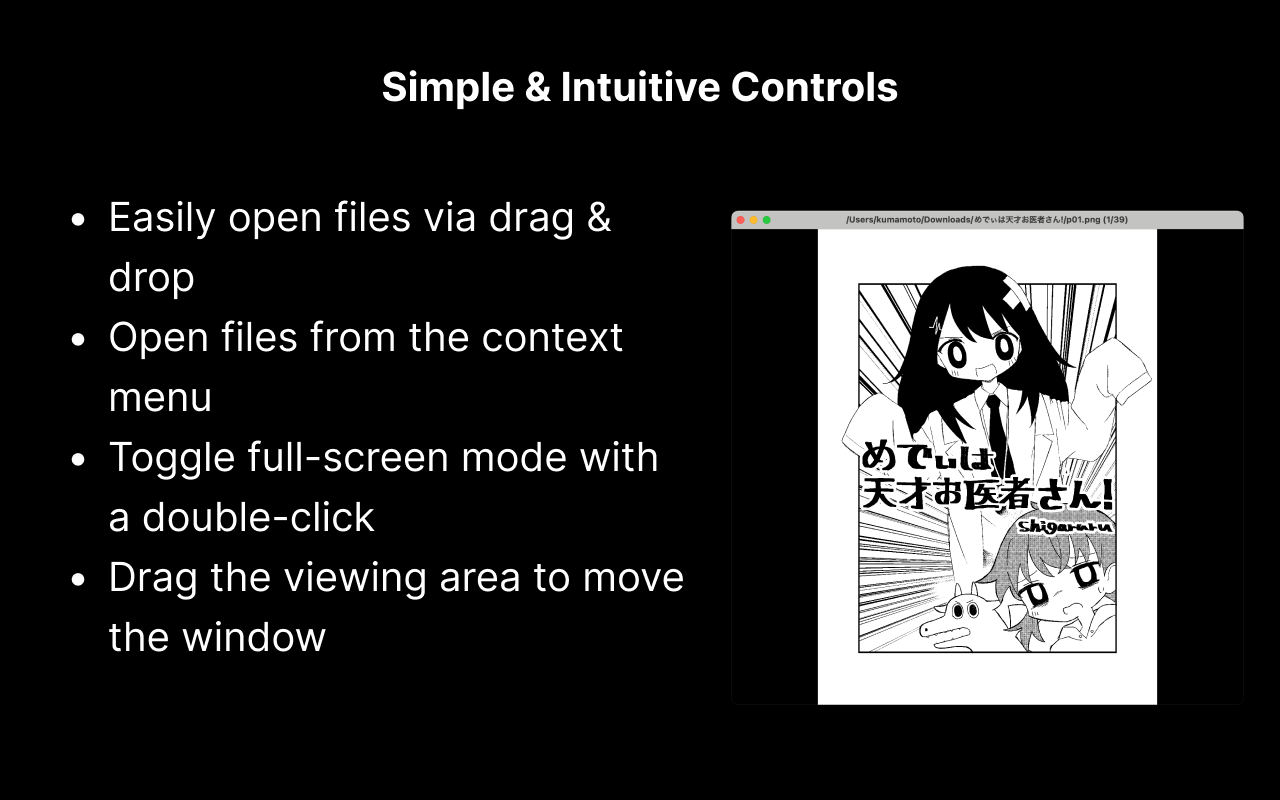
- Easy file opening with drag & drop
- ドラッグ&ドロップでファイルを簡単に開く
- Open files from context menu
- コンテキストメニューからファイルを開く
- Toggle fullscreen with double-click
- ダブルクリックで全画面表示の切り替え
- Move window by dragging the display area
- 表示領域をドラッグしてウィンドウを移動
Flexible Display Options
柔軟な表示オプション
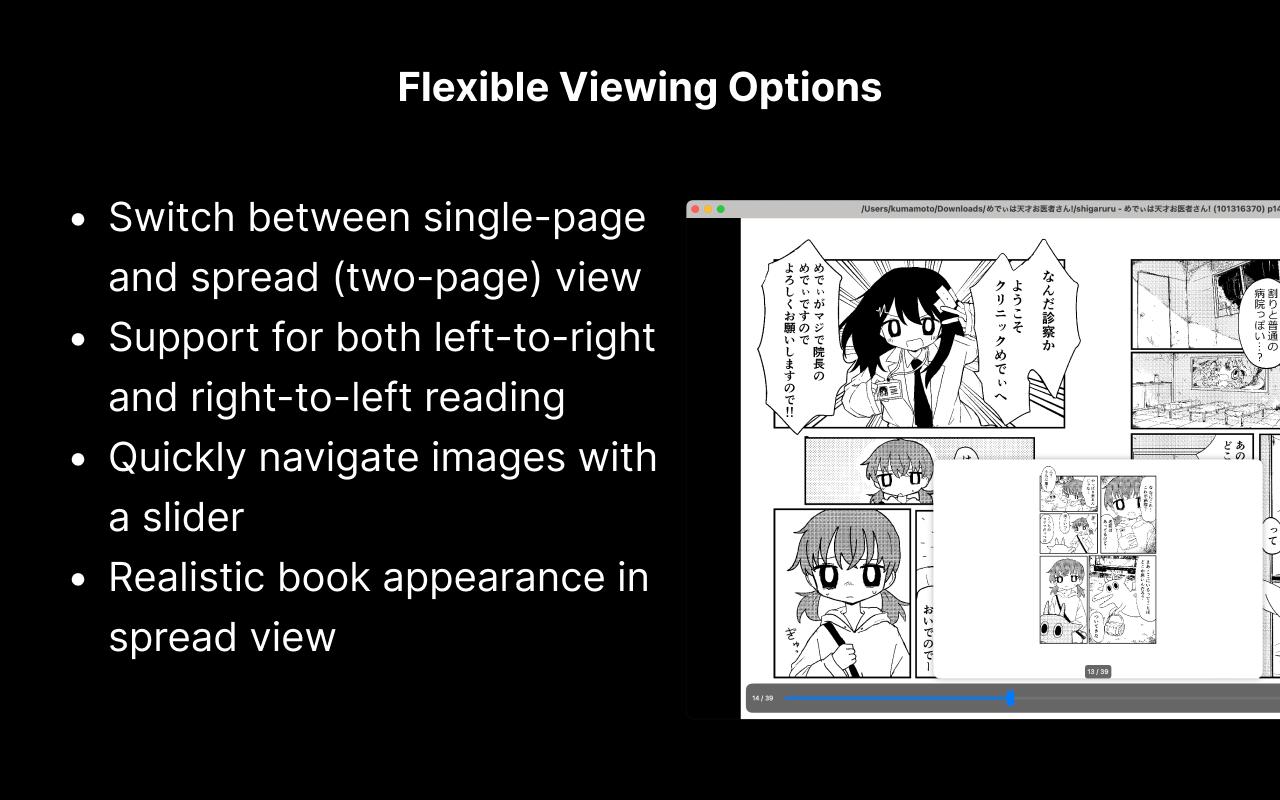
- Switch between single page and spread view
- 単ページ表示と見開き表示の切り替えが可能
- Support for left-to-right and right-to-left reading
- 左右読みの切り替えに対応
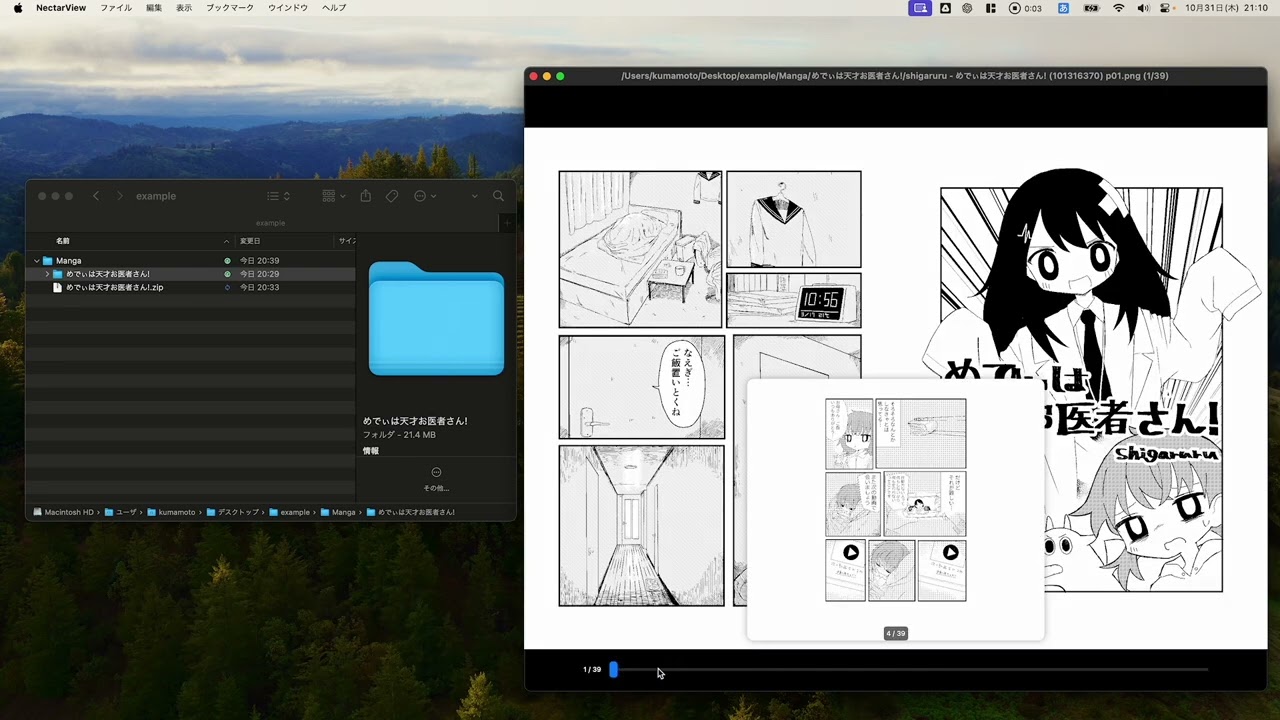
- Quick image switching with slider
- スライダーで素早く画像を切り替え
- Realistic book appearance mode (in spread view)
- リアルな本の外観モード(見開き表示時)
High-Speed Performance
高速パフォーマンス
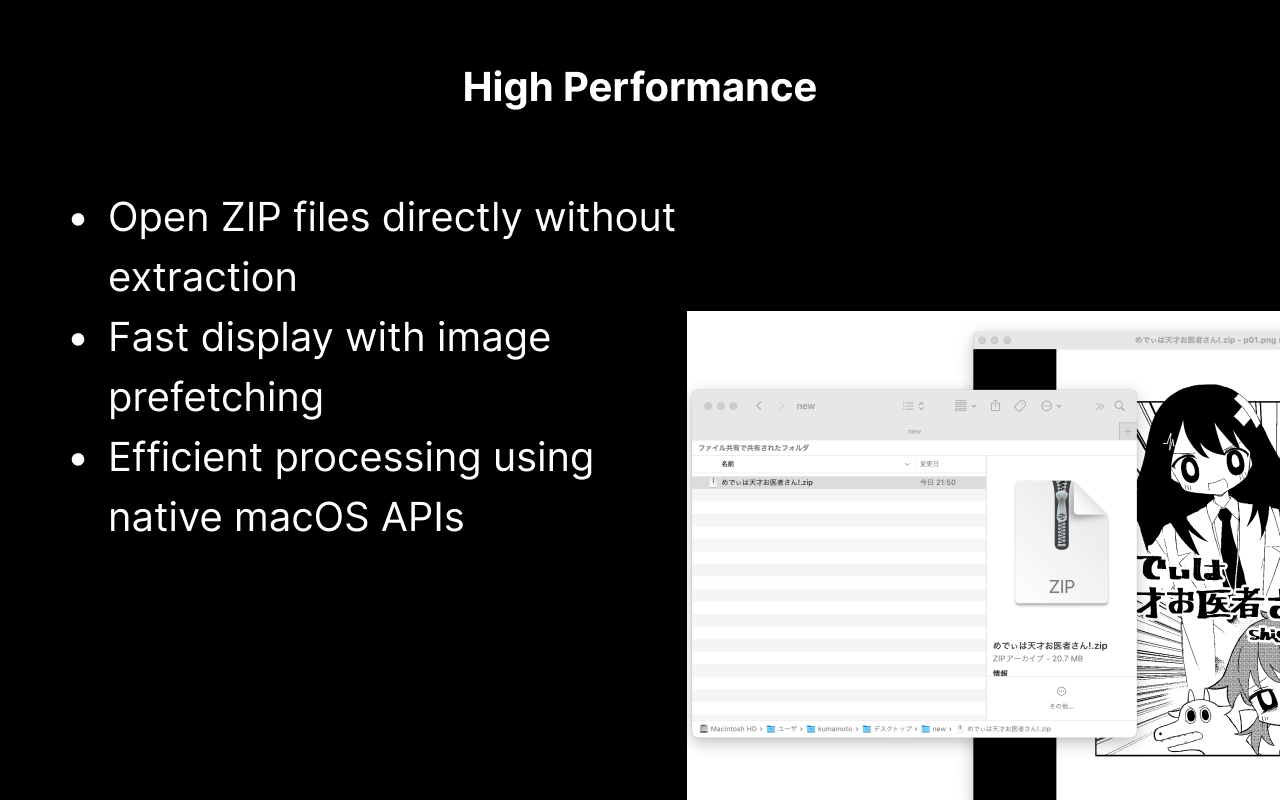
- Open ZIP files directly without extraction
- ZIPファイルを解凍せずに直接開くことが可能
- Fast image display with prefetching
- 画像のプリフェッチによる高速な表示
- Efficient processing using native macOS APIs
- macOSネイティブAPIを活用した効率的な処理
User-Friendly Interface
使いやすいインターフェース
- Simple, non-intrusive UI
- シンプルで邪魔にならないUI
- Customizable background and control bar colors
- カスタマイズ可能な背景色とコントロールバーの色
- Keyboard shortcut operations
- キーボードショートカットによる操作
Multilingual Support
多言語対応
- English and Japanese interface
- 英語と日本語のインターフェースをサポート
- Automatic switching based on system language
- システム言語に応じた自動切り替え
Advanced Features
高度な機能
- Bookmark function to save favorite locations
- ブックマーク機能で好きな場所を保存
- Batch display of images in a folder
- フォルダ内の画像を一括表示
- PDF file support
- PDFファイルのサポート
- Automatic page turning with adjustable interval
- 調整可能な間隔での自動ページめくり
- Image rotation support
- 画像回転機能
Installation
インストール方法
- Download NectarView.dmg from the latest release.
- 最新のリリースからNectarView.dmgをダウンロードします。
- Mount the downloaded DMG file and drag NectarView.app to the Applications folder.
- ダウンロードしたDMGファイルをマウントし、NectarView.appをApplicationsフォルダにドラッグ&ドロップします。